

Hey there! As a supplier of Manual Box Gluing Machines, I'm super excited to chat with you about what these machines can do, especially focusing on their control panel functionality.
First off, let's get a bit of context. Manual Box Gluing Machines are a staple in the packaging industry. They're used to glue different types of boxes, like those made from cardboard or corrugated materials. They're great for small - to medium - sized businesses that need a reliable and cost - effective way to produce quality boxes. And that's where the control panel comes in. It's like the brain of the machine, allowing operators to manage and customize the gluing process.
Basic Control Panel Functions
The control panel of a Manual Box Gluing Machine usually has some basic functions that are pretty straightforward. One of the most important ones is the power switch. It's as simple as it sounds - you turn it on, and the machine starts up. This is the first step before you can do anything else.
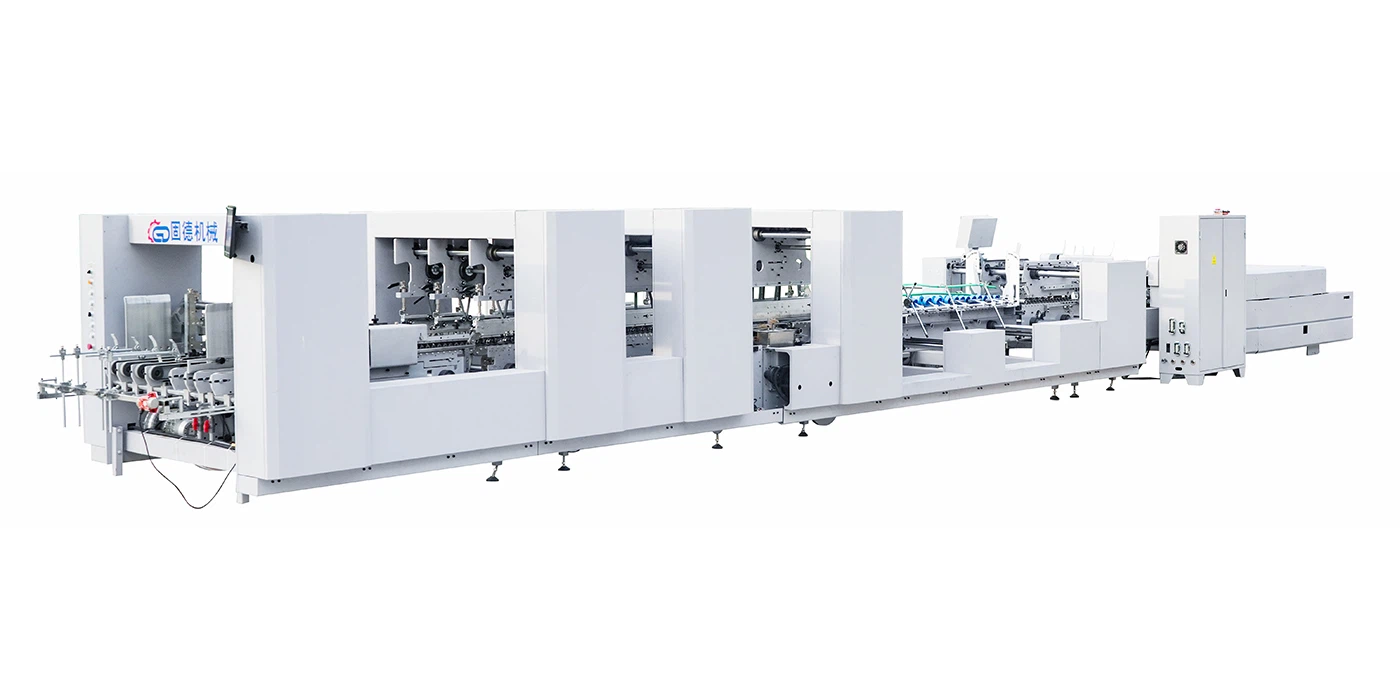

Next up, there are usually controls for the glue application. You can adjust the amount of glue that gets applied to the box. This is crucial because if you use too much glue, it can make a mess and waste resources. On the other hand, if you use too little, the box might not be properly glued and could fall apart. With the control panel, you can fine - tune this amount according to the type of box and the glue you're using.
Another key function is the speed control. You can set how fast the machine moves the boxes through the gluing process. For example, if you're working on a complex box design, you might want to slow down the speed to ensure accurate gluing. But if you're making simple boxes in large quantities, you can crank up the speed to increase productivity.
Advanced Features
Now, let's talk about some of the more advanced features you might find on the control panel of a high - end Manual Box Gluing Machine. Some machines come with a programmable memory function. This means you can save different settings for different box types. For instance, if you regularly make two different sizes of boxes, you can save the glue amount, speed, and other settings for each size. Then, when you want to make those boxes again, you just select the saved program, and the machine automatically adjusts to the right settings. This saves a lot of time and reduces the chances of human error.
There are also often diagnostic tools on the control panel. These can help you identify and troubleshoot problems. If there's an issue with the glue dispenser or the conveyor belt, the control panel can display error messages that tell you what's wrong. This makes it easier to fix the problem quickly and get the machine back up and running.
Some control panels even have a touch - screen interface. It's super user - friendly and makes it easy to navigate through different functions. You can tap on the screen to select options, adjust settings, and view important information about the machine's operation.
Compatibility with Different Box Types
One of the great things about Manual Box Gluing Machines is their versatility. The control panel allows you to adjust the machine to work with different types of boxes. Whether you're making High Speed Crash Lock Bottom Pocket Folder Gluer or Corrugated Box Folder Gluer Machine, the control panel has the flexibility to handle them.
For crash - lock bottom boxes, the control panel can be adjusted to apply glue at the right places and with the right amount to ensure a strong lock. With corrugated boxes, you might need to adjust the speed and glue amount because of the thicker material. The control panel gives you the power to make these adjustments easily.
Safety Features on the Control Panel
Safety is always a top priority when operating any machine, and Manual Box Gluing Machines are no exception. The control panel often has built - in safety features. There's usually an emergency stop button. If something goes wrong, like a jam or a potential safety hazard, you can press this button, and the machine will stop immediately.
There are also safety interlocks. For example, if the machine's cover is open, the control panel will prevent the machine from starting. This is to protect the operator from getting injured by the moving parts inside the machine.
Ease of Use and Training
The control panel of a Manual Box Gluing Machine is designed to be easy to use. Even if you're new to operating these machines, you can quickly learn how to use the control panel. Most of the buttons and controls are labeled clearly, and the interface is intuitive.
We also provide training for our customers. When you buy a Manual Box Gluing Machine from us, our team will show you how to use the control panel effectively. We'll go through all the functions, from the basic ones to the advanced features, so you can get the most out of your machine.
Conclusion
In conclusion, the control panel of a Manual Box Gluing Machine is a vital part of the machine. It gives you the power to control every aspect of the gluing process, from the amount of glue to the speed of operation. With its basic and advanced features, it can handle different box types and ensure safety. Whether you're a small business owner looking to increase your box - making efficiency or a larger company in need of a reliable gluing solution, our Manual Box Gluing Machines with their user - friendly control panels are a great choice.
If you're interested in learning more about our Manual Box Gluing Machines or have any questions about the control panel functionality, don't hesitate to reach out. We're here to help you make the right decision for your business. Let's start a conversation and see how we can meet your box - gluing needs.
References
- Industry knowledge and experience in the packaging machinery field.
- Technical specifications of Manual Box Gluing Machines.